Congratulations on choosing Geberit AquaClean Sela
Step into a new level of freshness
This is where you will find practical information on commissioning and functionality to get you off to the easiest possible start with your shower toilet. We show you how to switch on the device, connect the remote control and set the main functions. You will also find out about the different operating options.
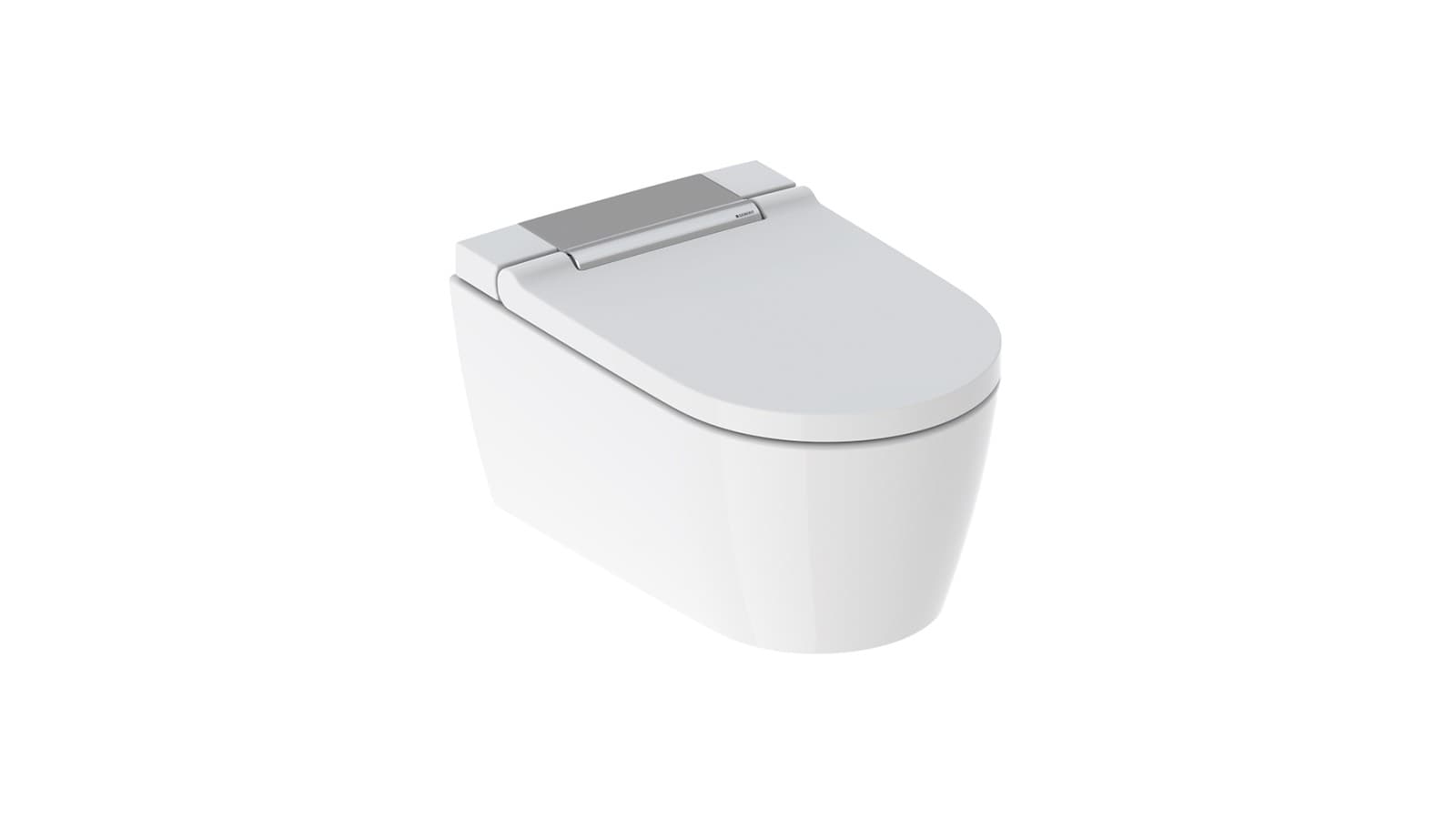
How to switch on your Geberit AquaClean Sela
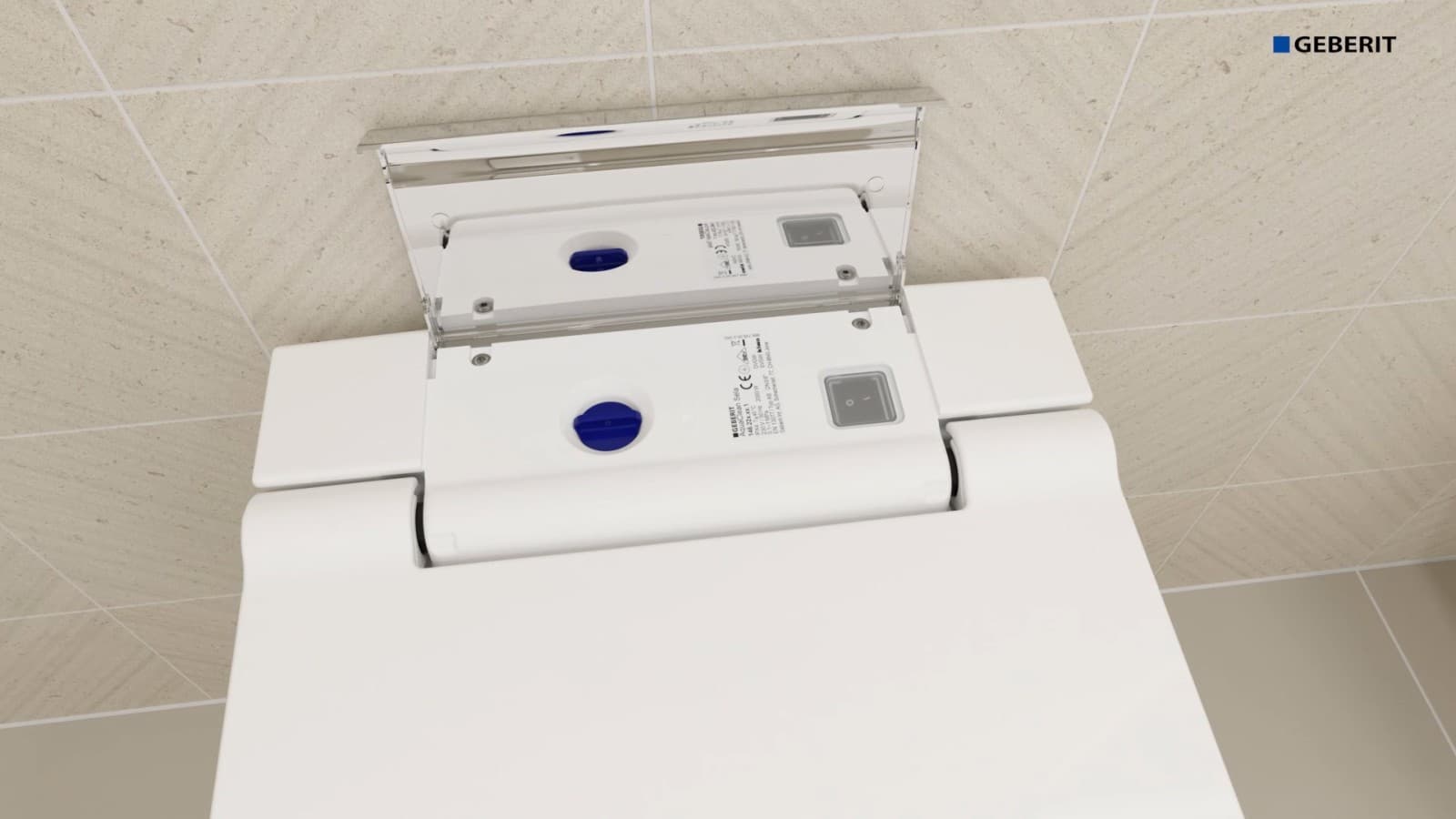
Lift up the cover and switch the button to on. After switching on your device, the status LED flashes blue during initialisation. Wait until the status LED stops flashing. This procedure takes approximately 2 minutes. Once this is complete, your shower toilet will be ready for use for the first time.
Set up the shower toilet Here’s how it’s done
Your flexible control options
With the Geberit AquaClean Sela, the choice is yours. This is where you will find an overview of the available control options.
Your options
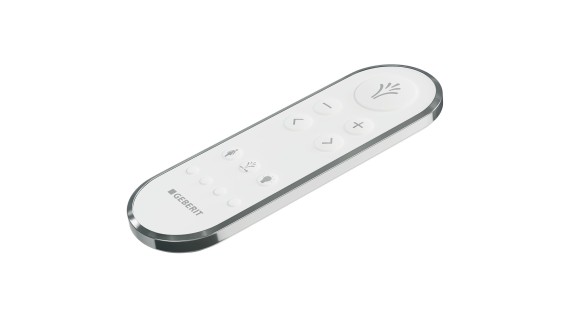
Remote control
The front side of the remote control is for performing all day-to-day functions.
Large button:
Start and stop spray functionality
+/- button:
Increase and reduce shower spray and dryer air intensity
</> button:
Set spray arm position
Below is where you will find the buttons for activating and stopping the lady shower, the oscillating motion of the shower spray and the orientation light.
Use the four small buttons at the bottom of the remote control to launch your user profiles.
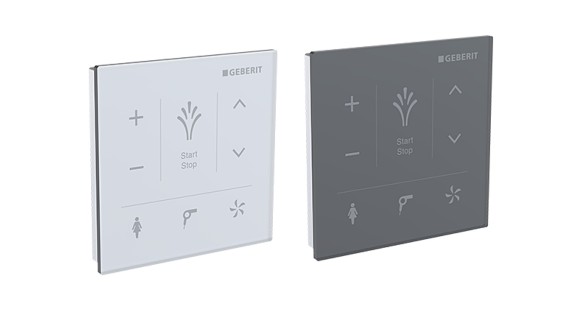
Wall-mounted control panel
The wall-mounted control panel is a stylish alternative to the remote control. It is firmly bonded or screwed to the wall and is connected to your shower toilet via Bluetooth.
Large button:
Start and stop spray functionality
+/- button:
Increase and reduce spray intensity
</> button:
Set spray arm position
Below is where you will find the buttons for activating and stopping the lady shower, the oscillating motion of the shower spray and the orientation light.
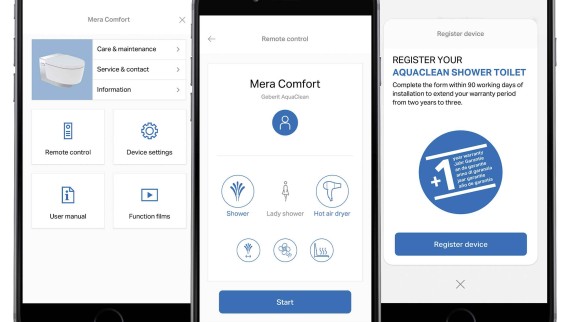
Geberit Home App
The Geberit Home App includes a digital remote control. This allows you to control your shower toilet conveniently via Bluetooth using your smartphone.
You can also use it to make personal settings and save these directly to your smartphone. This means you always have your personal settings to hand – even when using another shower toilet.